 Guides
How to Create a Location QR Code That Helps Customers Find You
By Muhammad Nadeem · Blog #18
📖 8 min read · 1,603 words
The Invitation Was Beautiful—but Guests Still Got Lost
Maya had planned every detail of her weekend workshop.
The invitations looked professional. The venue was prepared. The schedule was confirmed, and attendees had received the complete address.
But on the morning of the event, her phone began ringing.
“Which entrance should I use?”
“Is the venue beside the hotel or behind it?”
“My navigation has taken me to another building.”
The written address was correct, but the venue was located inside a large business complex with several entrances. Some guests searched for the company name, while others manually typed the address and selected the wrong result.
For the next workshop, Maya added one small feature to the invitation: a location QR code.
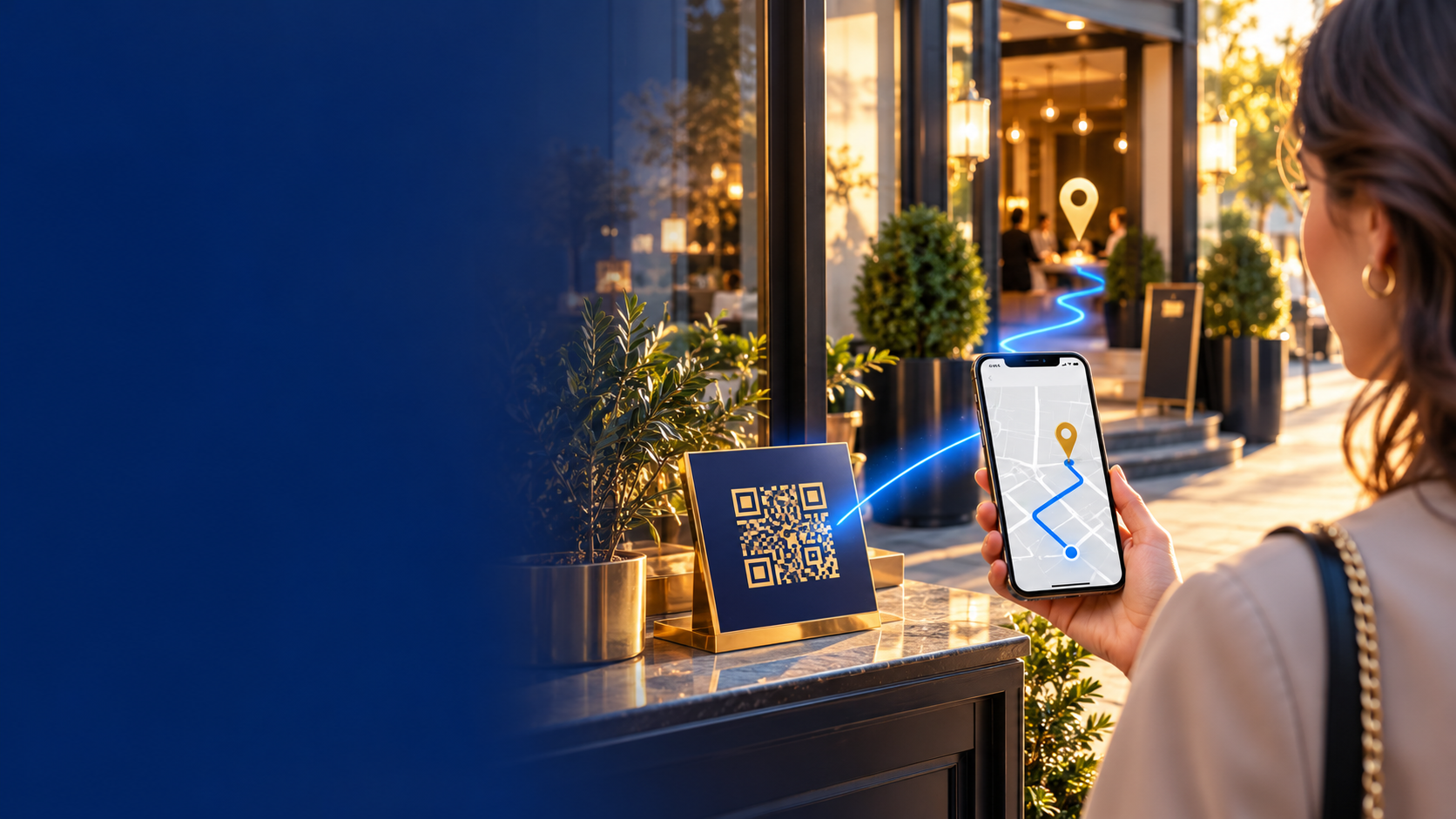
Guests scanned it, opened the mapped destination and started navigation from their phones.
One scan replaced a long address, repeated phone calls and unnecessary confusion.
What Is a Location QR Code?
A location QR code is a scannable code that opens a specific place or map destination on a compatible phone.
Instead of asking someone to:
- Copy a long address
- Search for a business name
- Enter coordinates manually
- Find the correct result among similar locations
you can give them one QR code that opens the intended destination.
With [Azan AI QR Studio](https://www.azanai.cloud/tools/qr-code-generator), you can generate a Maps QR code using an address, place name or coordinates.
How a Maps QR Code Works
| Step | Action | Result |
|---|---|---|
| 1 | Enter the location | The destination is identified |
| 2 | Generate the QR code | The map destination becomes scannable |
| 3 | Add it to print or digital media | Customers can access it easily |
| 4 | The visitor scans it | The location opens for navigation |
The journey in one line
Address or coordinates → QR code → Phone scan → Map opens → Visitor navigates
A Maps QR code uses the location information directly. It does not require a complicated hosted page between the scan and the map destination.
Who Can Use a Location QR Code?
🏪 Shops and local businesses
Place a QR code on advertisements, packaging, brochures or appointment cards so customers can open your location without manually searching for it.
🍽️ Restaurants and cafés
Add a map QR code to takeaway menus, social posts, event flyers and printed promotions.
This is particularly helpful when the restaurant is located inside a mall, hotel, business tower or large complex.
🏨 Hotels and holiday rentals
Share the property location through booking messages, welcome guides and check-in instructions.
Include written arrival guidance as well when guests need to use a particular entrance, gate or parking area.
🎉 Weddings and private events
A location QR code can be added to:
- Invitations
- Save-the-date cards
- Reception information
- Transport instructions
- Event websites
Guests can scan the code instead of typing a venue address from a printed invitation.
🎪 Conferences and exhibitions
Use separate location QR codes for:
- The main venue
- Registration entrance
- Visitor parking
- Exhibition halls
- Meeting points
🏠 Property professionals
Agents can add a map QR code to property brochures, viewing confirmations and outdoor signs.
For occupied homes, obtain permission before publicly sharing a precise private address.
🚐 Transport and tourism services
A QR code can guide passengers toward an approved pickup point, hotel entrance, terminal meeting area or tour departure location.
The accompanying text should still explain exactly where the driver or representative will wait.
Why Use a QR Code for a Business Location?
It reduces typing mistakes
Long addresses, unfamiliar street names and coordinates are easy to enter incorrectly.
It makes printed material interactive
A business card or flyer cannot provide live navigation by itself. A location QR code connects the printed item to a map application.
It saves staff time
Clear location access may reduce repeated calls and messages asking for directions.
It works for international visitors
Travelers may not recognize local street names or know how an address is normally written. Scanning a QR code requires far less local knowledge.
It supports mobile-first customers
Most people already use their phones for directions. A QR code moves them from printed information to mobile navigation in seconds.
💡 The best location QR code does not merely share an address—it removes uncertainty from the visitor’s journey.
How to Create a Location QR Code With Azan AI
Step 1: Confirm the correct destination
Before generating the code, open the location in your preferred map service.
Check:
- The map pin is in the correct place
- The business or venue name is accurate
- The entrance is accessible
- The destination is not a similarly named location
- The coordinates match the intended arrival point
For a large venue, coordinates may be more precise than a general street address.
Step 2: Open Azan AI QR Studio
Visit the [Azan AI QR Code Generator](https://www.azanai.cloud/tools/qr-code-generator) and select Maps QR.
Step 3: Add the location
Enter the address, place name or coordinates requested by the tool.
If your audience must arrive at a particular entrance, use the most accurate location available and provide a short written note beside the QR code.
Step 4: Generate the QR code
Create the code and review the result.
Azan AI allows saved QR codes to be downloaded as PNG or SVG. SVG is especially useful when the code must remain sharp on larger printed materials.
Step 5: Add a clear instruction
An unexplained QR code may be ignored. Place a short call to action beside it:
- Scan for Directions
- Scan to Find Our Store
- Scan to Open the Venue Location
- Scan for the Meeting Point
- Scan to Navigate to the Property
Step 6: Test the complete journey
Scan the code using more than one phone when possible.
Confirm that:
- The correct destination opens
- Navigation can begin normally
- The map pin is accurate
- The printed QR code scans clearly
- The instruction is easy to understand
Where Should You Place the QR Code?
| Use case | Recommended placement |
|---|---|
| Retail store | Flyers, receipts, packaging and social graphics |
| Restaurant | Menus, takeaway bags and promotional cards |
| Wedding | Invitations and event information cards |
| Property viewing | Brochures and confirmed viewing messages |
| Conference | Tickets, passes, programs and registration emails |
| Hotel or rental | Booking confirmation and welcome guide |
| Transport service | Passenger confirmation and meeting-point sign |
Seven Mistakes to Avoid
1. Using the wrong map result
Businesses with similar names may appear in different cities or neighborhoods. Verify the selected location carefully.
2. Linking to the center of a large complex
A general pin may bring visitors to the wrong entrance. Use an accurate arrival point whenever possible.
3. Making the QR code too small
A code that looks elegant on screen may become difficult to scan after printing.
4. Placing it on a busy background
Strong contrast and clear space around the code improve reliability.
5. Cropping or decorating important QR areas
Do not cover the code with text, icons or design elements unless the final version has been thoroughly tested.
6. Forgetting written context
Add the venue name, entrance instructions or nearby landmark in readable text. A QR code should support the directions, not be the only source of information.
7. Sharing a private address publicly
Think carefully before placing a home address or private meeting point on public social media, packaging or widely distributed material.
Location QR Code Safety Checklist
Before publishing the code:
- [ ] Confirm the destination on the map
- [ ] Check the entrance and arrival point
- [ ] Test it with another phone
- [ ] Add a clear “Scan for Directions” instruction
- [ ] Keep sufficient empty space around the code
- [ ] Test the final printed version
- [ ] Avoid publicly exposing a private address
- [ ] Provide an alternative written address
- [ ] Replace outdated signs if the location changes
Frequently Asked Questions
Can a QR code open Google Maps?
Yes. A location QR code can open a mapped address, place or set of coordinates on a compatible device.
Do visitors need a special QR scanning app?
Many modern phones can recognize QR codes through the standard camera. Device behavior may vary, so testing is important.
Can I use coordinates instead of an address?
Yes. Coordinates can be helpful when the precise entrance or meeting point does not have a clear postal address.
Can I print a location QR code?
Yes. Download a high-quality version and scan-test the final printed copy before distributing it.
Can I use it for an event?
Yes. Location QR codes are useful for weddings, conferences, exhibitions, workshops and private gatherings.
What if the venue changes?
Generate and test a code for the new destination. Replace printed or digital material containing the old code rather than assuming it will update automatically.
Help People Arrive With Confidence
At Maya’s next workshop, her phone remained quiet.
Not because fewer guests were coming—but because they already knew where to go.
They scanned the code, opened the destination and arrived without typing a long address or guessing between multiple map results.
A location QR code is a small addition to your customer experience, but it can solve a very real problem:
Helping people reach the right place with fewer steps.
Create Your Location QR Code With Azan AI →
Enter an address, place name or coordinates, generate your Maps QR code and help visitors navigate with one scan.
You can also [explore all Azan AI QR tools](https://www.azanai.cloud/tools?category=qr) for WiFi access, documents, photo galleries, contacts, social profiles and standard QR codes.
Reference: Blog #18 — quote this number if you contact us about this article