Image Studio: Image Enhancer
Fix blurry, dim, or noisy photos in seconds. Sharpen detail, balance lighting, and reduce noise while keeping every person, object, and detail exactly as captured.
A real example
Drag the slider to compare the original photo with the result.
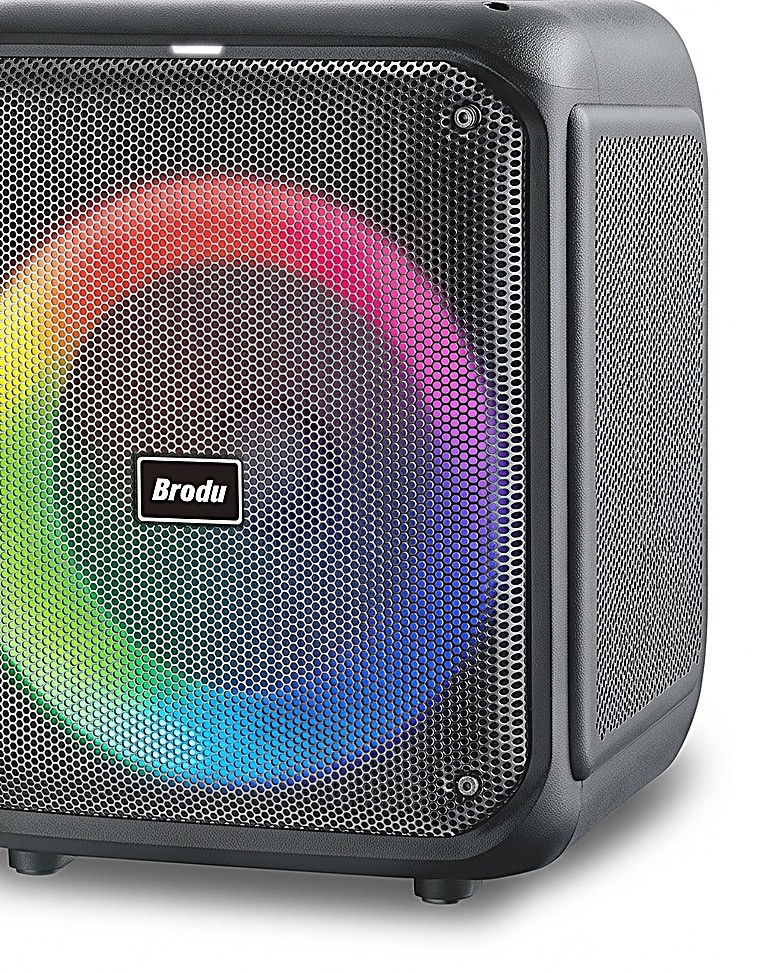 BeforeAfter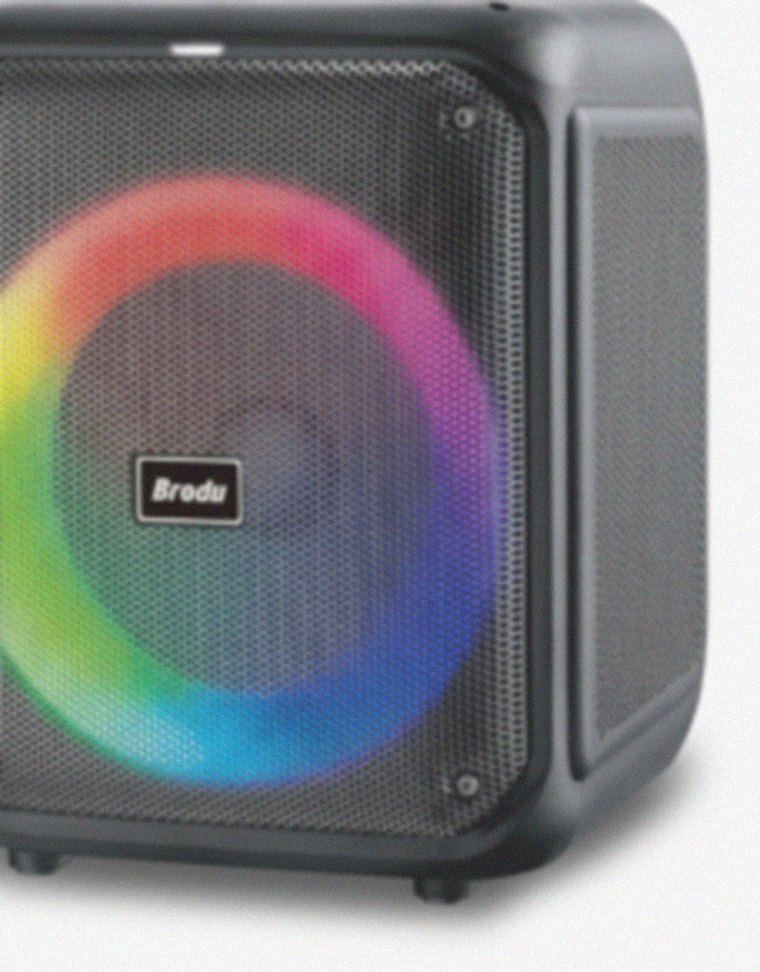
What it does
Improve the clarity and lighting of an everyday photo before using it in a profile or presentation. Enhancement aims to preserve the scene, but you should compare the result with your original and check faces and small details.
How to use it
Upload a photo
Drop or browse a JPG, PNG, or WEBP file up to 20MB. HEIC photos are converted automatically.
Run the enhancement
Click Enhance photo and the tool sends your image to the AI quality with a clarity-focused prompt.
Download the result
Preview the enhanced photo, download the PNG, and find it later in your recent history.
Best for
Phone photos
Rescue slightly blurry or poorly lit photos taken quickly on a phone.
Old or low-quality scans
Improve clarity and contrast on older or low-resolution photos before sharing or printing.
Social media posts
Give casual photos a quick clarity boost before posting.
Documents and screenshots
Sharpen text-heavy images so details are easier to read.
Tips for best results
- Start with the highest-resolution original available.
- Avoid repeatedly enhancing an already heavily edited photo.
- Compare faces, text and important details before keeping the result.
Why use Image Studio: Image Enhancer?
Practical advantages built around real creation, selling, and operations workflows.
Works on any photo
Unlike AI Product Enhancer, this tool is built for general photos: portraits, travel shots, screenshots, documents, and more, not just product images.
Fixes common photo problems
Reduces blur from camera shake or bad focus, balances harsh or dim lighting, and cleans up sensor noise and grain.
Preserves the original content
The prompt instructs the model to keep the exact people, objects, background, and composition. Nothing is invented or replaced.
Fast turnaround
Most enhancements complete in under a minute so you can download and share right away.
Simple credit cost
Every enhancement costs 2 credits, matching similar Image Studio and Seller Studio tools.
Image Studio: Image Enhancer questions
Answers to common questions before you run the tool.
How is this different from AI Product Enhancer?
AI Product Enhancer is tuned for ecommerce product photos and studio backdrops. Image Enhancer is tuned for everyday photos of people, places, and objects.
Will it change what's in my photo?
No. The prompt instructs the AI to preserve the exact people, objects, background, and composition, and not invent new details.
What file types are supported?
JPG, PNG, and WEBP up to 20MB. HEIC photos from iPhones are automatically converted before upload.
How many credits does it use?
Each enhancement costs 2 credits.
How long does it take?
Most enhancements finish in well under a minute, though it can take longer for larger files.
What happens to my uploads and results?
Your upload is used to complete the requested task. Finished files can be downloaded from recent History when you are signed in. There is currently no fixed automatic deletion period for saved results; contact support@azanai.cloud to request deletion. Download a local copy rather than relying on History as your only backup.
Can I try this tool for free?
A free account starts with monthly credits. Tool access and any available guest trial are shown above; some tools require sign-in or a paid plan. Check the displayed cost before starting. Failed tasks are refunded, and paid plans include non-image tasks under fair use.
Keep building with Azan AI
Explore adjacent workflows for content, product visuals, and utility generation.
Smart Background Remover (hair, fur, props)
Create premium, object-aware cutouts that preserve the complete intended foreground—including product styling props—while removing only the surface and background.
Explore Smart Background Remover (hair, fur, props)Background Remover (fast cutouts)
Remove distracting backgrounds from product and marketing images, then download a transparent PNG for your next listing, ad, or design.
Explore Background Remover (fast cutouts)AI Image Generator
Turn a text prompt into an original AI image with free daily previews or higher-quality Pro generation.
Explore AI Image GeneratorProduct-Scene Generator
Place your real product into polished, professional e-commerce scenes while preserving the product itself.
Explore Product-Scene Generator