 Guides
How to Use AI Safely at Work: A Practical Guide for Small Businesses
By Muhammad Nadeem · Blog #33
Updated
📖 12 min read · 2,499 words
Mariam managed administration for a growing company.
One morning, her manager asked her to summarize a long customer-complaint report and prepare a professional reply.
AI seemed perfect for the task.
She opened an AI writing tool, copied the entire report and was about to submit it when she noticed what the document contained:
- Customer names
- Mobile numbers
- Email addresses
- Order references
- Payment information
- Internal staff comments
- Details of an unresolved complaint
The AI could have saved her time—but pasting the complete document would have shared far more information than the task required.
Mariam stopped, removed the identifying details and replaced them with neutral labels such as “Customer A,” “Order 101” and “Staff Member B.”
She then asked the AI to analyze only the facts needed to prepare the response.
The result was still useful, but the prompt was considerably safer.
Mariam is a fictional character representing a common workplace situation.
AI at Work Is More Than a Writing Shortcut
Businesses now use generative AI to:
- Draft emails
- Summarize documents
- Rewrite product listings
- Create social posts
- Translate content
- Organize meeting notes
- Prepare reports
- Generate images
- Analyze customer feedback
- Brainstorm campaigns
- Improve CVs and job descriptions
These workflows can save time, but speed should not remove judgment.
AI tools may produce incorrect information, misunderstand context or generate confident answers without reliable evidence. Users may also expose confidential information when they paste complete documents into a tool without checking what those documents contain.
Organizations therefore need a simple working rule:
Use AI to assist the task—not to replace responsibility for the result.
What Does “Using AI Safely” Mean?
Safe AI use is not limited to cybersecurity.
It includes:
- Protecting confidential and personal information
- Providing only the information required for the task
- Reviewing AI-generated facts and claims
- Keeping humans responsible for important decisions
- Respecting copyright and content ownership
- Checking for unfair or misleading output
- Understanding which tasks should not be automated
- Following company, client and platform policies
The level of review should depend on the possible consequences of an error.
A caption for an internal office event may need a quick proofread.
A legal notice, medical recommendation, financial decision or employment rejection requires much stronger controls and qualified human review.
The Traffic-Light System for Workplace AI
A simple traffic-light system can help staff decide what can be entered into an AI tool.
| Level | Information type | Recommended action |
|---|---|---|
| 🟢 Green | Public or non-sensitive information | Usually suitable for approved AI tools |
| 🟡 Amber | Internal information with limited sensitivity | Minimize the content, remove identifying details and obtain approval when required |
| 🔴 Red | Confidential, regulated or security-sensitive information | Do not upload without explicit authorization and suitable safeguards |
Green information
Examples include:
- Public website copy
- Published product specifications
- General marketing ideas
- Public job descriptions
- Non-confidential templates
- Publicly available research
- Fictional examples
- Generic business questions
Amber information
Examples include:
- Internal meeting notes
- Draft business plans
- Unpublished campaign ideas
- Supplier pricing
- Operational reports
- Anonymized customer feedback
- Internal procedures
- Non-public performance data
Amber information should be reduced to the minimum required for the task.
Red information
Examples include:
- Passwords
- API keys
- Access tokens
- Bank or card details
- Passport and identity documents
- Medical records
- Private customer information
- Employee disciplinary records
- Confidential contracts
- Legal advice
- Unpublished financial statements
- Protected intellectual property
- Security configurations
- Data covered by contractual restrictions
If the information could create financial, legal, privacy, employment or security harm if exposed, treat it as sensitive.
Never Paste Credentials Into an AI Prompt
Passwords and access credentials should never be included in ordinary prompts.
This includes:
- Passwords
- One-time codes
- Recovery codes
- API keys
- Secret keys
- Database connection strings
- Private certificates
- Authentication cookies
- Access tokens
- Service-role credentials
If you need help with a technical problem, replace the real credential with a placeholder.
Instead of this:
My API key is abc123-real-secret. Why is the request failing?
Use this:
My API key is stored in the environment variable API_KEY. The application returns an authentication error. Help me investigate without exposing the value.
The AI usually needs the error message, configuration structure and relevant code—not the secret itself.
Use Data Minimization
Data minimization means providing only the information needed to complete the task.
Suppose you want AI to rewrite a complaint response.
The complete customer record may contain:
- Full name
- Address
- Phone number
- Email address
- Payment history
- Order history
- Internal account notes
The writing task may require only:
- The product involved
- The delivery delay
- The customer’s main concern
- The proposed resolution
- The desired tone
Remove everything else.
The Information Commissioner’s Office explains that AI can create additional security and data-minimization challenges.
The practical lesson is straightforward:
Having access to information does not mean every part of it should be submitted to an AI system.
Anonymize Before You Upload
Anonymization or redaction can reduce unnecessary exposure.
Original information
Ahmed Khan, mobile number +971 XX XXX XXXX, complained that Order AZ-3481 was delivered four days late to his Abu Dhabi address.
Safer working version
Customer A reported that Order 101 was delivered four days late. Prepare an empathetic reply acknowledging the delay and offering the approved resolution.
Remove or replace:
- Names
- Email addresses
- Phone numbers
- Identification numbers
- Exact addresses
- Account references
- Employee IDs
- Unnecessary dates
- Unique personal details
Be careful: removing a name may not be enough when the remaining information can still identify the person.
Check the Tool Before Using It
Not every AI service handles files, history and account data in the same way.
Before using a tool for business work, review:
- Its privacy policy
- How uploaded data is processed
- Whether prompts may be used for model training
- How long files and outputs are retained
- Whether users can delete their data
- Which third-party providers process information
- Whether your company has approved the tool
- Whether the plan includes stronger privacy controls
- Whether sharing the information is permitted by client contracts
Azan AI explains its own approach in its Privacy Policy.
Uploaded files and prompts are processed to provide the requested output. Azan AI states that it does not sell uploaded content or use uploaded files to train its own models.
Users should still avoid uploading information that is unnecessary for the task.
AI Can Be Confident and Still Be Wrong
An AI-generated answer may sound polished even when it contains:
- Incorrect facts
- Invented quotations
- Non-existent sources
- Wrong calculations
- Outdated requirements
- Misleading summaries
- Unsupported product claims
- Incorrect legal interpretations
- Confused names or dates
This is sometimes called a hallucination or confabulation.
Professional formatting does not make an answer accurate.
Before using AI-generated content, ask:
- Can I verify this fact?
- Does the cited source exist?
- Is the information current?
- Did the AI add a claim I did not provide?
- Are the numbers calculated correctly?
- Does the output match the original document?
- Could an error harm a customer, employee or business?
For important work, verify the output against the original document or an authoritative source.
Use Human Review According to Risk
Not every AI output requires the same approval process.
| Task | Suggested review level |
|---|---|
| Brainstorming headlines | Quick human selection |
| Rewriting a routine email | Proofread before sending |
| Creating a social caption | Check facts, tone and links |
| Translating product copy | Verify specifications and important terminology |
| Summarizing a contract | Compare with the original and obtain legal review where necessary |
| Preparing financial analysis | Validate source data, calculations and assumptions |
| Screening job candidates | Require responsible human oversight and fairness review |
| Medical or legal guidance | Qualified professional review is essential |
| Publishing safety instructions | Subject-matter expert approval |
The greater the potential impact, the stronger the human review should be.
NIST’s AI Risk Management Framework encourages organizations to govern, map, measure and manage AI risks.
For a small business, this can begin with clear rules, assigned responsibility and documented review steps.
Do Not Let AI Make High-Impact Decisions Alone
AI may help organize information, but it should not independently make consequential decisions about people.
Examples include:
- Hiring or rejecting applicants
- Employee discipline
- Credit decisions
- Insurance decisions
- Medical treatment
- Legal strategy
- Student assessment
- Eligibility for essential services
- Fraud accusations
AI can reflect errors, incomplete information or unfair patterns in its data and instructions.
A human decision-maker should understand:
- What information was used
- What the AI was asked to do
- How the output was checked
- Whether relevant context was missing
- Whether the result could be unfair
- Who remains accountable for the decision
“AI recommended it” is not an acceptable replacement for responsibility.
Protect Copyright and Ownership
AI-generated content can still create copyright and ownership concerns.
Before publishing, confirm that:
- You have permission to use uploaded source material
- You are not copying protected articles or competitor listings
- You are not removing watermarks
- You are not requesting a close imitation of protected creative work
- Brand names and logos are used appropriately
- Product photographs belong to you or are properly licensed
- Music, fonts and stock assets permit the intended use
- The final work does not reproduce another person’s content
Use AI to develop original work—not to disguise copying.
Watch for Prompt Injection in Uploaded Content
Prompt injection occurs when external content contains instructions designed to influence an AI system.
For example, a document or webpage might contain hidden or visible text telling the AI to:
- Ignore its original task
- Reveal confidential information
- Follow an unsafe link
- Produce misleading output
- Treat untrusted content as an instruction
This matters when AI tools analyze:
- Emails
- Webpages
- Uploaded documents
- Customer messages
- Third-party files
- External databases
Treat imported content as information to analyze—not as trusted instructions.
If an AI output suddenly changes direction, requests credentials or performs an unexpected action, stop and investigate.
Mariam’s Safer Five-Step Workflow
Mariam created a simple process for future AI tasks.
1. Classify the information
She asked whether the content was public, internal or confidential.
2. Minimize the input
She included only the facts necessary for the task.
3. Remove identifying details
Names, contact information and account references were replaced with neutral labels.
4. Generate a draft
She used AI to organize the response and improve its tone.
5. Review before using
She checked the output against the original complaint and approved company policy before sending it.
Her process became:
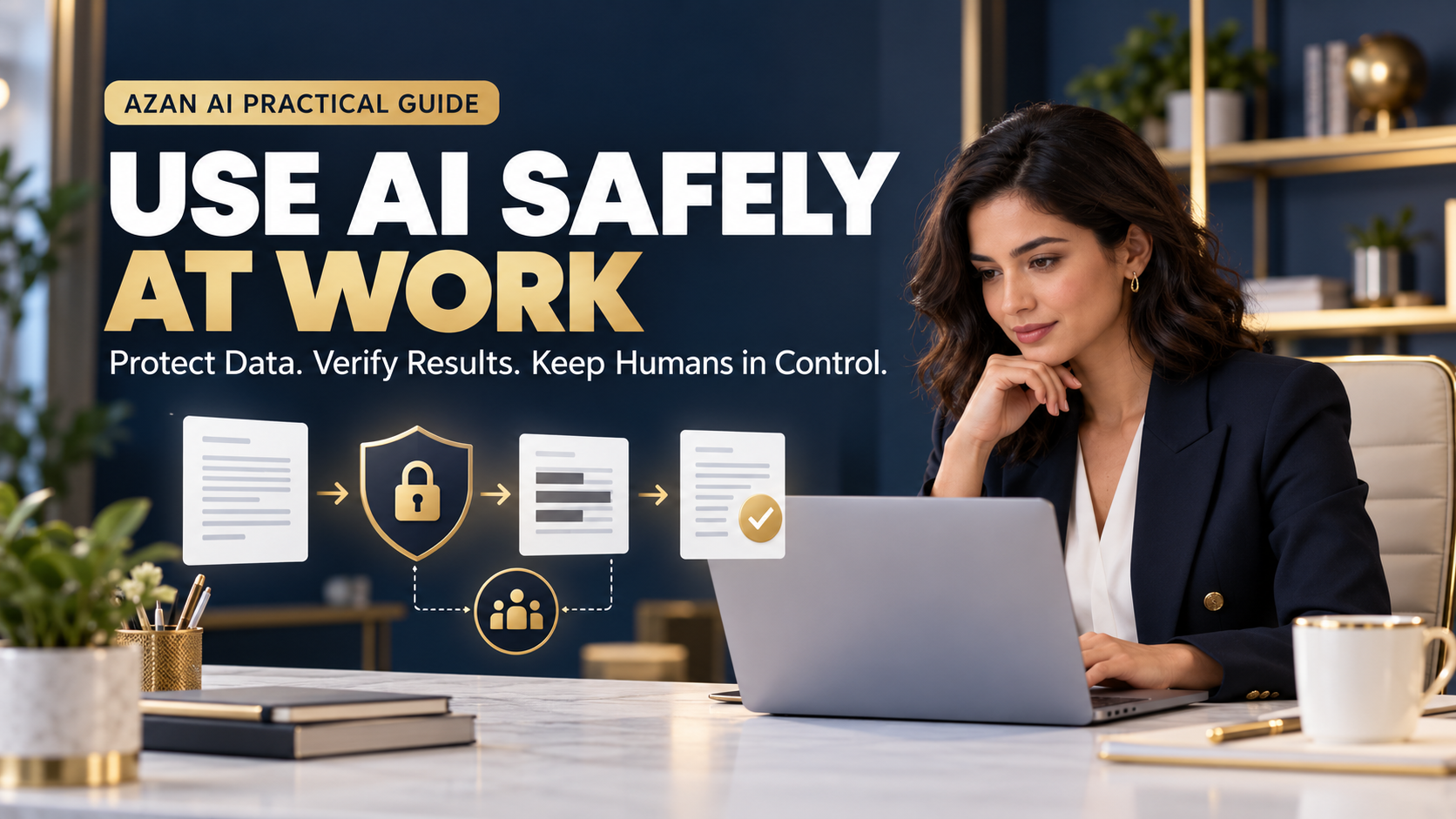
Classify → Minimize → Anonymize → Generate → Verify
This workflow took slightly longer than copying the entire document, but it reduced risk while preserving most of the time-saving benefit.
Create a Simple Workplace AI Policy
A small business does not need a hundred-page policy to begin using AI responsibly.
A basic policy should answer:
- Which AI tools are approved?
- What information is prohibited?
- Which tasks require manager approval?
- When must personal information be removed?
- Who verifies generated content?
- Which decisions must remain human?
- How should errors or data exposure be reported?
- How should AI-assisted work be documented?
- When should customers or employees be informed?
- Who updates the policy as tools change?
Make the rules specific enough that employees can apply them during real work.
“Use AI responsibly” is too vague.
“Do not enter customer names, contact details, payment information, credentials or confidential contracts into unapproved AI tools” is actionable.
A Copy-and-Use AI Safety Checklist
Before submitting a workplace prompt, check:
- ☐ The AI tool is approved for this task
- ☐ I understand the tool’s privacy settings
- ☐ I removed passwords, keys and credentials
- ☐ I removed unnecessary personal information
- ☐ I minimized confidential business information
- ☐ I have permission to use the uploaded content
- ☐ The task does not require an independent professional
- ☐ A human will review the output
- ☐ Important facts will be verified
- ☐ The final decision remains with an accountable person
- ☐ The output will not be published automatically
- ☐ I know how to report a problem
If several boxes remain unchecked, pause before submitting the prompt.
Where AI Can Help Safely
When used carefully, AI can support many lower-risk business tasks.
Content preparation
Draft emails, articles, product descriptions and social posts using public or approved information.
Explore practical content and writing tools.
Product listings
Turn verified features into organized marketplace copy without inventing specifications.
Use the Azan AI Listing Studio to create a structured first draft, then verify every claim before publishing.
Image preparation
Remove distracting backgrounds, resize product images and improve presentation while preserving the real product.
Document workflows
Compress, merge, convert or organize approved documents after checking that they do not contain information prohibited by your workplace policy.
The same principle applies to every workflow:
Share the minimum, verify the output and keep a human responsible.
Frequently Asked Questions
Is it safe to use AI at work?
AI can be used safely for many tasks when the organization approves the tool, limits the data provided, protects confidential information and reviews the result.
The risk depends on the tool, information, task and consequences of an error.
Can I paste a customer email into an AI tool?
Not automatically.
Customer emails may contain personal or confidential information. Remove unnecessary identifying details and follow your organization’s privacy and AI-use policies.
Can I upload a confidential contract for summarization?
Only when you have authorization and the chosen system provides appropriate contractual, privacy and security protections.
For many public AI tools, a safer approach is to avoid uploading the contract and consult an authorized professional.
Should I trust AI-generated facts?
No AI output should be trusted only because it sounds confident.
Verify important facts using reliable, current sources.
Can AI make decisions about employees?
AI may assist with administrative analysis, but high-impact employment decisions require responsible human oversight, appropriate safeguards and compliance with applicable laws and policies.
Should I disclose that content was created with AI?
Disclosure depends on the context, platform, contractual requirements and potential effect on the audience.
Never claim that AI-generated work was independently researched, tested or personally experienced when it was not.
What should I do if confidential information was accidentally uploaded?
Stop using or sharing the output.
Report the incident through your organization’s approved process and review the provider’s deletion and support options. Do not conceal the mistake.
The Most Useful AI Habit
The most valuable AI skill is not writing a complicated prompt.
It is knowing what information should—and should not—enter the prompt.
Mariam still used AI to prepare the customer response.
She simply removed the information the system did not need, checked the result and kept responsibility for the final message.
That is what practical AI use should look like:
Useful without being careless.
Fast without becoming automatic.
Powerful without removing human responsibility.
Before your next AI task, remember five words:
Classify. Minimize. Anonymize. Generate. Verify.
Explore Practical AI Tools from Azan AI →
Read the Azan AI Privacy Policy →
Further Reading
Azan AI community
Join the Conversation
Was this guide useful?
Comments
Have a question or an idea to add? Share it with the Azan AI community.
Loading comments…
Reference: Blog #33 — quote this number if you contact us about this article